
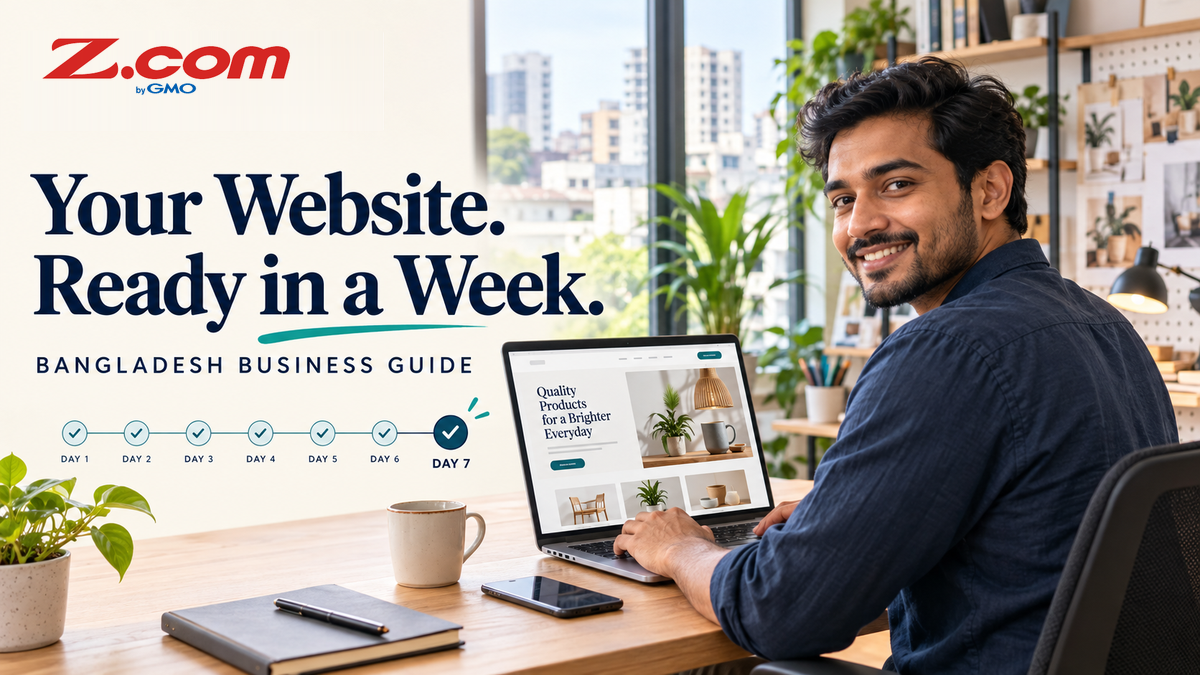
Launch a Business Website in Bangladesh: Your First-Week Plan
Many small businesses in Bangladesh start by selling through a Facebook page or a chat app. That works, but a website gives customers one stable place to find your products, prices, location and contact details. This guide breaks the first launch into seven manageable days, with a Z.com hosting plan as the example.
Table of contents
- Executive summary
- Quick answer
- Day 1: Decide what your website must do
- Days 1 to 2: Choose your domain name
- Days 2 to 3: Pick a hosting plan that fits
- Check payment and billing before you buy
- Days 3 to 4: Install WordPress and set the basics
- Day 5: Write the pages customers need
- Day 6: Set up basic search visibility
- Day 7: Test and launch
- Common mistakes to avoid
- Frequently asked questions
- Key takeaways
- Compare plans before you build
Executive summary
You can launch a simple business website in about a week if you decide what it needs to do, choose a domain, pick a hosting plan that fits, install WordPress, add a few essential pages and test everything before you announce it. Each step below stays practical and avoids assumptions about payment methods or local rules that you should confirm yourself.
Quick answer
To launch a small business website in Bangladesh, choose one goal, register a domain, pick a hosting plan, install WordPress with the one-click installer, publish four or five core pages, then test on a phone and take a backup. On Z.com's US storefront, the Starter plan is listed at $47.76 for 12 months as of 28 October 2026. Confirm the final price and payment method at checkout.
Day 1: Decide what your website must do
Before you spend money, write one sentence that describes the job of the site. For example, "Show our menu and let customers contact us," or "List our products and take enquiries by phone." A clear goal keeps the site small enough to finish in a week.
Then list what you already have. A logo, product photos, a price list, an address and a working phone number are enough to begin. If you plan to sell online, note that customer payment options such as mobile wallets or card gateways are separate third-party services. They are not part of a hosting plan, and this guide does not claim that any particular one works with Z.com.
Days 1 to 2: Choose your domain name
Your domain is your web address. Pick something short, easy to spell and easy to say aloud on the phone. Avoid hyphens and numbers when you can, because they are easy to mistype.
On the Z.com US storefront, the regular listed price for a .com domain is $20.92 for one year, with a $17.99 yearly renewal, on the domain price list. The page may also display a promotional price. We could not verify who qualifies for it, so this guide does not quote it; check the price and any promotion at checkout. The pages we reviewed on 28 October 2026 did not show .bd or .com.bd, so this guide covers .com only. If you need a Bangladesh-specific extension, check with the registry that manages it before you plan around it.
Z.com lists a free domain name for the first year with annual Web Hosting plans. This guide does not assume that monthly billing qualifies, so confirm eligibility at checkout. The page notes that you must pay the standard renewal fee for that domain afterwards. Put the renewal date in your calendar now.
Days 2 to 3: Pick a hosting plan that fits
Hosting is where your website files live. For a first business site, the Standard plans on the hosting comparison page are the relevant starting point. All three plans below list a free SSL certificate, free automated backups, a free one-click installer and, with annual billing, a free domain name for the first year.
| Plan | 12-month total | Calculated monthly equivalent | Storage | Websites | Email accounts |
|---|---|---|---|---|---|
| Single | $27.36 | $2.28 | 3 GB SSD | 1 | 3 |
| Starter | $47.76 | $3.98 | 10 GB SSD | Unlimited | Unlimited |
| Personal | $59.76 | $4.98 | 50 GB SSD | Unlimited | Unlimited |
The monthly equivalent is the 12-month total divided by 12. It is not a monthly billing price, because these plans are priced as 12-month totals. Treat the total shown at checkout as the number that counts. As a simple guide, Single suits one small site such as a brochure page. Starter gives room to add a second site or more email addresses later. Personal suits larger media libraries or product photos.
Z.com's plan pages do not state a server location, so this guide does not assume your site is hosted in Bangladesh. If location matters for your business, ask support before you buy.
Check payment and billing before you buy
Paying for hosting from Bangladesh is a separate question from how your own customers will pay you. The hosting page lists several payment methods, but a list on a page does not confirm that every method works for a Bangladeshi card, wallet or bank account. Check these items at the final payment screen rather than relying on a general list.
- The currency shown on the final payment screen, and any currency conversion fee your bank may add.
- Whether your card or account is enabled for international online payments. Your bank can confirm this.
- The renewal price for both hosting and the domain, not only the first-term price.
- The refund terms: the 30-day money-back guarantee applies to subscriptions of one year or more, and the value of a free .com domain and any applicable fees can be deducted from a full refund, according to the guarantee page.
Days 3 to 4: Install WordPress and set the basics
After purchase, use the free one-click installer to set up WordPress. Choose a strong admin password, avoid the username "admin," and keep a note of your login details in a safe place.
Before testing HTTPS, confirm that your domain points to the hosting you purchased. Follow the setup instructions in your Z.com account; if the domain is already configured, no change is needed. If the domain already runs email, check its existing email DNS records before changing DNS or nameservers, so email keeps working.
Then check three things. First, confirm that the site opens over HTTPS, which uses the free SSL certificate listed with your plan. Second, choose a simple theme and avoid installing many plugins on day one. Third, check that automated backups are listed for your plan. The plan pages do not state how long backups are kept or how restores work, so ask support if that matters to you. You can use the Contact Us page to reach the team.
Day 5: Write the pages customers need
Most small business sites need only a handful of pages. Aim for these:
- Home: what you offer, who it is for and one clear way to contact you.
- Products or services: names, short descriptions and prices if you can state them.
- About: who you are, where you operate and how long you have been trading.
- Contact: a phone number in international format (Bangladesh's country code is +880), an email address and your service area.
- Policies: delivery, returns and privacy information, written in plain language.
If your customers read Bangla, decide early whether to publish in Bangla, English or both, and keep the same details on every language version. Show prices in the currency your customers will actually pay.
Business registration, tax identification and trade licence requirements depend on your business type, so confirm what applies to you with the relevant authority. The National Board of Revenue lists its services on the NBR website. This guide is general information, not legal or tax advice.
Day 6: Set up basic search visibility
Search engines need time to find a new site, and Google states that there is no guarantee any particular site will be indexed. Give each page a clear title that describes what is on it, and add a short description for pages that matter most. Set up Google Search Console so you can see how your site appears in Search. Google's SEO Starter Guide explains these basics and suggests waiting a few weeks before judging results.
Before you launch publicly, open Settings → Reading in WordPress and uncheck “Discourage search engines from indexing this site.” The WordPress Reading Settings documentation describes this option. Unchecking it does not guarantee that search engines will index your site.
Day 7: Test and launch
Do not announce the site until you have tested it as a customer would. Open it on a phone and on a computer, and ask a friend to try it on a different network.
- Every page loads over HTTPS without warnings.
- Phone number, email and address are correct and tappable on mobile.
- Contact forms send a message to an inbox you actually check.
- Images are not oversized and the pages open at a reasonable speed.
- Prices, delivery areas and policies match what you tell customers by chat.
- You have taken a fresh backup before going public.
When the list is clear, share the link on your Facebook page, chat profile and printed material so customers see the same address everywhere.
Common mistakes to avoid
Assuming a payment method will work. Confirm it on the final payment screen with your own card or account, not from a list on a page.
Forgetting renewal. A free first-year domain and a low starting price can renew at a different amount. Check both before you commit.
Building too much in week one. A small, accurate site you can finish beats a large site that never launches.
Skipping the phone test. If your contact details are hard to tap or the page is slow on mobile, customers will leave.
Frequently asked questions
Which Z.com plan should a new Bangladesh business choose?
Single fits one small site. Starter adds unlimited websites and email accounts, and Personal adds more storage. Match the plan to what you will publish in the first year, then check the final price at checkout.
Can I use bKash or another local wallet to pay for hosting?
This guide cannot confirm that. The Z.com pages we reviewed did not list it, so check the final payment screen before you plan around it.
Is the free domain really free?
The first year is listed as free with annual Web Hosting plans. The page states that the standard renewal fee applies afterwards.
Can I get a refund if the plan is not right?
A 30-day money-back guarantee is listed for subscriptions of one year or more. The value of a free .com domain and any applicable fees may be deducted, so read the terms first.
Do I need a business licence before I launch?
It depends on your business and what you sell. Check with the relevant Bangladeshi authority. This guide is not legal or tax advice.
Key takeaways
- Start with one clear goal and a small site you can finish in seven days.
- Check the currency, renewal prices and your payment method at the final payment screen.
- Use free SSL and the one-click installer, then test on a phone before launch.
- Confirm licence and tax requirements with the relevant authority.
Compare plans before you build
Review the Single, Starter and Personal plans side by side, then check the current price and terms on the comparison page before you decide.