
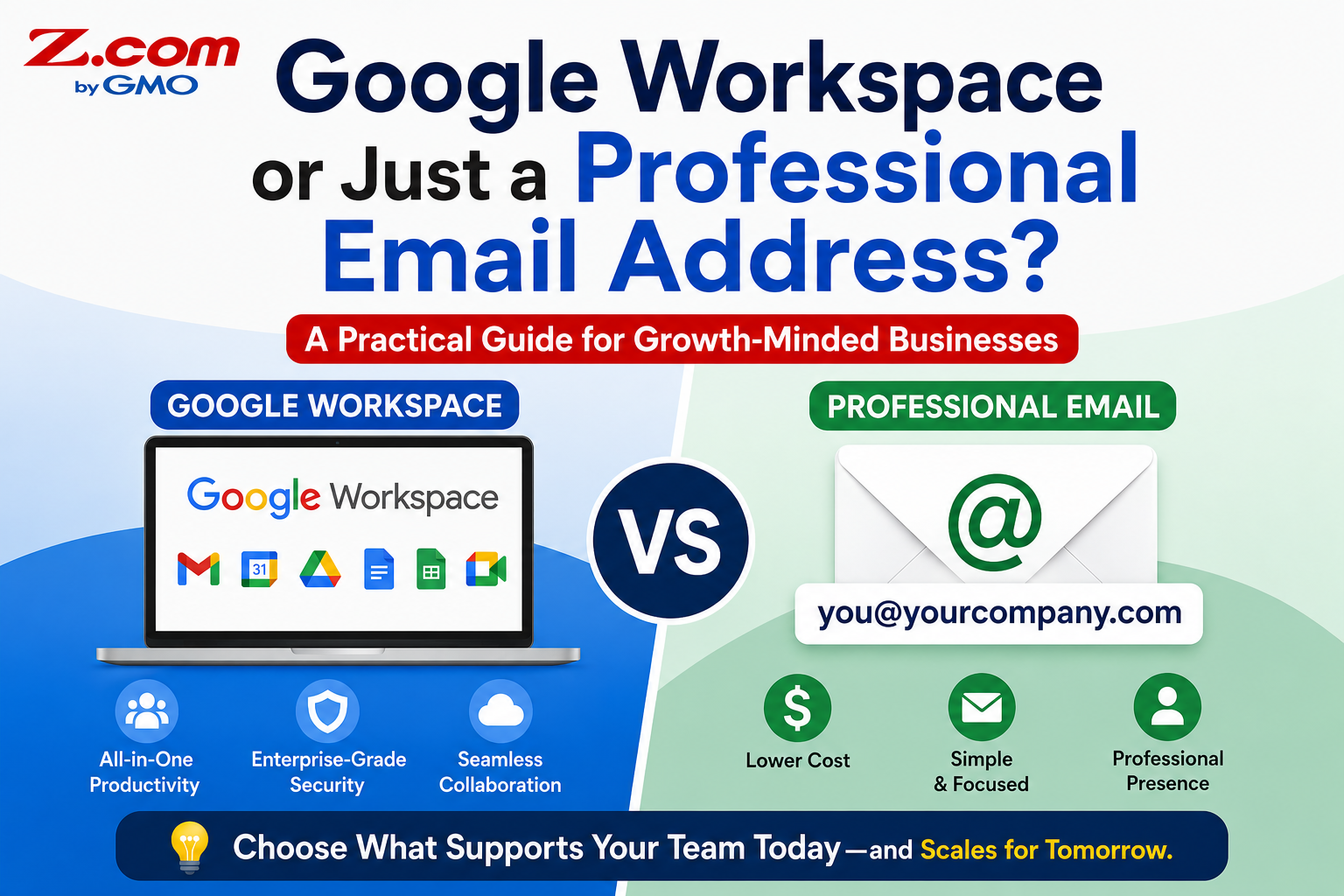
Google Workspace or Just a Professional Email Address?
In This Article:
- Not every business needs a full suite
- Diagnose team habits before choosing
- Match the plan to real usage
Once a Philippine business finally owns its own domain name, professional email is usually the next step. Because Google Workspace is the most recognizable name in the space, many small business owners choose it by default, without checking whether they actually need everything included.
For a home-based seller managing orders through Messenger, or a freelancer sending client invoices, a simpler professional email address may cover the job just as well, at a lower monthly cost. For a growing team collaborating on documents, holding video calls, and sharing files daily, the fuller toolkit earns its price.
This guide walks through what each option actually includes, how to diagnose which category your business falls into, and how to make the choice with confidence instead of guesswork.
Table of contents
What Google Workspace Actually Includes
Google Workspace is built as a full collaboration suite, not just an inbox. Every plan includes Gmail on your own domain, Google Drive for cloud storage, Google Meet for video calls, Calendar, Chat, and the Docs, Sheets, Slides, Forms, and Sites editors. Everything runs in one connected system, so a document shared in Chat opens directly in Docs, and a Meet invite drops straight into a shared Calendar.
Plans are priced per user, and the difference between tiers is mostly storage and meeting capacity rather than core features. The Business Starter plan includes 30 GB of pooled storage per user, Business Standard includes 2 TB, and Business Plus includes 5 TB, with larger meeting sizes and recording at the higher tiers. A domain name is required but sold separately, so you will need one before signing up.
This makes Google Workspace strongest for teams that genuinely work together inside the same documents and calls every day, not for a business that mainly needs a trustworthy sender address.
What a Simple Professional Email Address Covers
A simpler professional email address is built around one job: giving your business a trustworthy, branded inbox at admin@yourbusiness.com instead of a free Gmail or Yahoo address. Two common approaches cover most small businesses.
Titan Email is priced per mailbox and focuses on polished, business-grade features: webmail and mobile apps, two-factor authentication, advanced anti-spam and anti-virus protection, email aliases, and the ability to manage several addresses like sales@ and info@ from one interface. Unlimited Email Hosting takes a different approach, charging for storage rather than per user, so a business can create as many email accounts and addon domains as it needs on a single plan. Both work with standard IMAP, POP3, and SMTP, so they connect to the Gmail app, Outlook, or Apple Mail without any collaboration suite attached.
Neither option includes shared document editing, video conferencing, or a company-wide calendar. What they do include is a credible, secure inbox that customers recognize as belonging to a real business, at a lower cost per mailbox than a full suite.
Worth knowing: Both Google Workspace and a professional email plan require you to already own a domain name. The email provider you choose does not change your business's domain or its underlying credibility with customers.
Diagnosing What Your Business Needs
Rather than choosing based on brand recognition, it helps to look honestly at how your team actually communicates and works together today.
Signs a Simple Email Address Fits
A simpler professional email address is usually enough if your business mainly needs a trustworthy address for customer replies, order confirmations, and invoices. This fits a solo online seller replying to Facebook and Messenger inquiries, a home-based entrepreneur accepting GCash payments who wants receipts to look official, or a freelancer who communicates with clients mostly by email and rarely needs to co-edit a document in real time.
Signs You Need the Full Suite
Google Workspace earns its price when several people need to work inside the same files and meetings on a regular basis. This fits a small agency in Metro Manila pitching international clients over video calls, a growing team that needs a shared calendar to coordinate schedules across departments, or staff who routinely co-edit proposals, spreadsheets, or presentations together instead of emailing files back and forth.
Key takeaway: The right choice depends on how your team works, not on which name is more familiar. A polished inbox and a full collaboration suite solve different problems.
Making the Right Choice for Your Business
Once you know which category fits, the comparison becomes straightforward.
| Option | Best For | Main Advantage |
|---|---|---|
| Google Workspace | Teams that collaborate daily | Full suite: email, Meet, Docs, Drive |
| Titan Email | Small teams needing a polished inbox | Per-mailbox professional features |
| Unlimited Email Hosting | Growing staff lists on a budget | Unlimited accounts, pay for storage only |
Many growing businesses in the Philippines end up mixing approaches rather than picking one option for the entire company. A retail business might keep info@ and support@ on a lower-cost plan for shared, straightforward inboxes, while giving the two or three staff who handle proposals and client calls a Google Workspace account. Because both options connect to the same domain, customers never see a difference; they still email the same @yourbusiness.com address either way.
If you are not yet sure, it is usually safer to start with a simpler professional email address. Upgrading a mailbox or two to Google Workspace later, once collaboration needs actually appear, is a smaller adjustment than paying for unused seats from day one.
Frequently Asked Questions
Can I switch from Google Workspace to a simpler email plan later?
Yes. Most professional email providers, including Titan Email and Unlimited Email Hosting, support migrating existing mailboxes and contacts from Google Workspace. You keep the same @yourbusiness.com address, since it is tied to your domain rather than to the email provider. If your team outgrows a simpler plan later, moving to Google Workspace is just as straightforward, since you already own the domain both options require.
Do I need a website before I can get a professional business email address?
No. A domain name is required, but a live website is not. You can register a domain and set up an address like admin@yourbusiness.com without publishing a website first. Many home-based sellers and freelancers in the Philippines start this way, using the professional address for Messenger inquiries, invoices, and marketplace listings, then build a full website once the business grows.
Is Google Workspace worth it for a one-person business?
Usually not on its own. If you are the only person handling email, most of Google Workspace's value, shared calendars, real-time document collaboration, and large-group video calls, goes unused. A single professional email address through Titan Email or Unlimited Email Hosting typically covers what a solo business or freelancer needs, at a lower monthly cost per mailbox.
Can I mix both options in the same business?
Yes, and many growing businesses do exactly this. It is common to give collaborating staff Google Workspace accounts while keeping simpler professional addresses, like info@ or support@, on a lower-cost plan for shared inboxes that do not need document editing. Both options work with the same domain, so mixing them does not create separate identities for customers.
What happens to my email history if I switch providers?
Reputable providers offer migration tools to move existing emails and contacts when you switch between Google Workspace, Titan Email, or Unlimited Email Hosting. Even so, back up important threads separately before migrating, since transfer tools occasionally miss older folders or large attachments. Confirm the move is complete and everything appears in the new inbox before canceling your previous plan, so you do not lose access to past customer conversations, invoices, or order records.
Conclusion
Choosing between Google Workspace and a simpler professional email address does not need to be a guessing game. The decision comes down to how your business actually works, not which name sounds more familiar. A solo seller replying to Messenger inquiries needs a trustworthy address more than a full productivity suite. A growing team holding client calls and co-editing proposals gets real value from the tools bundled with Google Workspace. Start by looking honestly at how your team communicates today, then match the plan to that reality. Since both options run on the same domain, you can always adjust as your business grows, without changing the email address your customers already know.
Give your business an email address customers trust, without paying for tools your team will never open.
Compare professional email and Google Workspace plans side by side, and set up the right one in minutes.
Get Professional Email