
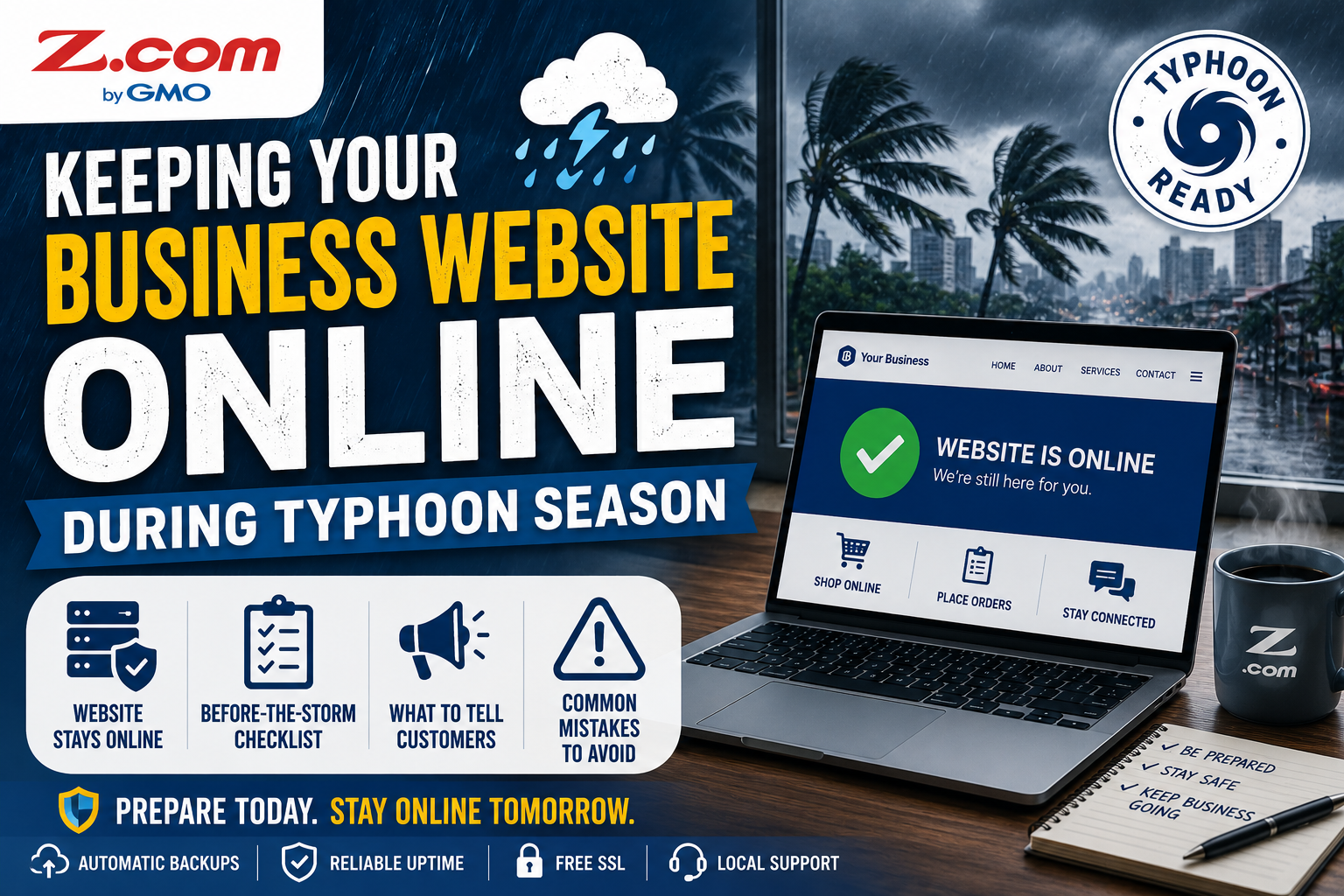
Keeping Your Business Website Online During Typhoon Season
In this article, you'll:
- See which parts of your business actually go offline during a local power outage, and which usually don't
- Get a before-the-storm checklist to run through once a typhoon signal is raised
- Learn what to tell customers while your shop is closed but your website is still open
- Spot the most common typhoon-season mistakes Filipino small businesses make with their websites
Typhoon season in the Philippines runs roughly from June to November, with the heaviest activity between July and October. If you run a sari-sari store, an online shop, or a home-based business, that stretch of the calendar often means unpredictable brownouts, spotty mobile data, and days when your shop stays closed.
A common assumption follows soon after: if the power at home or in the shop is out, the website must be down too. That's rarely true, and knowing the difference can save a frustrating week of feeling invisible online.
Quick Answer
In most cases, your website stays online during a local typhoon-related power outage, because it runs on a server in a data center away from your shop or home. What usually goes offline is your ability to log in, not the website itself, as long as your hosting and domain stay active and paid.
Table of contents
- Why Your Website Usually Stays Up Even When Your Power Doesn't
- Before the Storm: A Pre-Typhoon Website Checklist
- During the Storm: Keeping Customers Informed When You Can't Get Online
- After the Storm: Getting Your Business Back to Normal Fast
- Common Mistakes Filipino Small Businesses Make During Typhoon Season
- Frequently Asked Questions
Why Your Website Usually Stays Up Even When Your Power Doesn't
A website has two separate parts: where it's hosted, and where you access it from. Your hosting provider's servers sit in a data center, often with backup generators and independent power. Your shop's router, POS terminal, and WiFi run on whatever electricity reaches your specific address.
This is why a brownout in Quezon City or a flooded street in Cagayan Valley can knock out your ability to check email or post on Facebook, while your website itself keeps running as before. Customers browsing from areas with power won't notice anything different.
The table below shows what typically stays up during a local outage.
| What's Affected | Still Working? | Why |
|---|---|---|
| Shop lights, POS terminal, WiFi router | No | These run on electricity at your specific location |
| Your business website | Usually, yes | The server lives in a data center elsewhere, on its own power |
| Your domain name | Yes, if renewed | Domains are managed online and aren't tied to your local power |
| Updating the site from your shop | No, until power or data returns | You need a working connection to log in and make edits |
| Orders placed while you're offline | Depends on your setup | Only received if your website has a working ordering or inquiry system, and your hosting and any connected payment or form services stay online |
The practical takeaway: a hosting plan with appropriate backup and security features can reduce the number of website-related tasks you need to handle during severe weather.
Before the Storm: A Pre-Typhoon Website Checklist
When PAGASA issues a Tropical Cyclone Wind Signal or advisory for your area, follow official guidance and make your family's safety the priority. Complete any remaining website preparation only when it's safe to do so, using the checklist below.
- Confirm your hosting plan includes automatic backups, then trigger a manual backup a few days ahead. For a full recovery routine, see our guide on website backups and safety.
- Check that your domain registration and hosting subscription are both paid and not close to expiring. A lapsed domain renewal can take your site offline for reasons that have nothing to do with the weather.
- Store your hosting and domain account details in a trusted password manager that you can securely access from your phone. Keep your provider's support contact details available offline as well.
- Draft a short "we're temporarily closed" message you can post to your website and Facebook page in one step.
- Double-check that prices, contact number, and order instructions are current, so customers can act without reaching you directly. If you take payments through GCash, Maya, or bank transfer, list those details on the site itself, not only in chat threads that might pile up unanswered.
During the Storm: Keeping Customers Informed When You Can't Get Online
Once the storm hits, your priority shifts to your family and your safety. A well-prepared website needs very little from you during this window.
If you can get online briefly, even from a relative's house outside the affected area, publish the closure message you drafted earlier. If you can't, that's fine too: your website keeps displaying accurate hours, contact details, and product information on its own.
Consider this hypothetical: a home-based baker in Iloilo loses power for three days during a typhoon. Her website, hosted separately, keeps showing her menu and GCash number. Because her site also has a simple order form connected to her hosting, two customers place advance orders that wait for her until her connection returns. This reflects a pattern many Philippine online sellers already experience, provided their sites have that same kind of ordering or inquiry feature in place.
Resist the urge to assume the worst if you can't check your site. A quiet dashboard usually means your connection is down, not your business.
After the Storm: Getting Your Business Back to Normal Fast
Once power and connectivity return, check your site from a working connection first. In almost every case, it looks exactly as you left it, since the outage affected your location, not the server.
Next, review orders or messages that came in while you were offline, replying to the oldest first. If a last-minute change before the storm looks off, restoring your most recent backup is usually faster than rebuilding by hand.
Finally, update your closure post to let customers know you're back and remove temporary banners. If you're unsure whether your backup ran correctly, your hosting provider's support team can confirm it.
Common Mistakes Filipino Small Businesses Make During Typhoon Season
Assuming the website is down because the shop has no power
This leads to false "we're offline" posts that confuse customers who could still order normally. Check the site from another device before announcing a closure.
Letting a domain or hosting renewal lapse right before the season starts
A lapsed subscription can take a site offline at the worst time, for reasons unrelated to weather. Turn on auto-renewal or set a reminder before June each year.
Never testing a backup restore before it's needed
Assuming a backup works is different from knowing it works. Test a restore once during calm weather, not for the first time during an emergency.
Your website and your shop's electricity are two different systems. Prepare the website once, before the season starts, and it will keep working for you even on the days your shop can't open.
Frequently Asked Questions
Does a typhoon or brownout in my area take my website offline?
Usually not. Your website runs on a server in a data center, separate from the electricity and internet at your shop or home. A local outage typically affects your ability to log in and make updates, not whether customers elsewhere can still reach the site. The exception is an outage at your hosting provider's own data center, which is uncommon with an established host.
What should I do to prepare my website before typhoon season starts?
Confirm your backups and security are active, check that your domain and hosting are both paid up, and save your login details somewhere accessible without your main computer. Draft a short closure message in advance so you can publish it quickly if needed. Most of this takes under an hour and only needs to be done once a year.
Can customers still order from my website if my shop is closed due to a storm?
It depends on how your website is set up. If your website has a functioning online ordering, inquiry, or messaging system, submissions can still be received and stored while your local connection is unavailable, as long as your hosting and any connected payment or form services remain operational. A purely informational website without an ordering or inquiry feature won't collect orders on its own, though customers can still view your products, prices, and contact details and reach you once you're back online.
What happens to my website if I can't pay my domain or hosting bill during a disaster?
An unpaid renewal can eventually take your site or domain offline, regardless of the weather. This risk is separate from typhoon-related outages, but it becomes more likely during a disruptive season if bills slip your mind while you're dealing with cleanup or repairs. Setting up auto-renewal before the season starts, using a card or e-wallet you check regularly, can significantly reduce the risk of an accidental lapse.
How do I know if my hosting backups actually work before I need them?
The only reliable way is to test a restore once, ideally during a calm period rather than an emergency. Check your hosting dashboard for backup frequency and a restore option, or ask your provider's support team to confirm. Our guide on website backups and safety covers this in more detail.
Should I have a backup way to reach customers if my main channel goes down?
Yes. Relying on a single app or platform means customers have no alternative if that specific service is unreachable during a storm. Keeping your contact number, order steps, and payment details on your website, in addition to social media, gives customers a second, more dependable way to reach you when it matters most.
Typhoon season will keep returning every year, along with the brownouts and disrupted connections that come with it. The difference between a business that loses days of momentum and one whose website can still take orders or inquiries through the worst of it usually comes down to preparation made weeks earlier, not effort during the storm itself. A website that's backed up, renewed, and built on dependable hosting turns an unpredictable season into just another set of days your business quietly keeps running.
Check whether your current hosting plan includes automatic backups and dependable uptime before the next typhoon advisory reaches your area.
Explore Web Hosting Or talk to our local support team