
How to Build a Customer Email List With Titan Email
In This Article:
- ✓ Own a channel Facebook doesn't control
- ✓ Simple ways to start collecting emails
- ✓ Why a business email builds trust
Facebook and Messenger have become the front door for many Filipino small businesses. Customers comment, inquire, and order without ever leaving the app, and that convenience has worked well. But a page's reach can shift with a single algorithm update, and that's outside any business owner's control.
A customer email list works differently. It's a channel your business owns outright, one that stays reachable whether or not a post gets seen. This article walks through practical ways to start building that list, using a professional business email address to send it from — including how a Titan Email address makes the effort feel more credible to the customers on the other end.
Quick Answer
Start by adding a simple, opt-in signup option wherever you already talk to customers — your website, checkout process, or even a pinned Facebook post — and offer one clear reason to join, like a discount or restock alert. Send from a professional mailbox on your own domain, such as one set up through Titan Email, so messages look consistent and trustworthy, and use an email marketing tool to manage the list itself, including signups and unsubscribes.
Table of contents
Email Adds to What Facebook Already Does
Facebook and Messenger remain genuinely useful for discovery — customers find businesses through shares, groups, and recommendations in ways email can't replicate. An email list isn't meant to replace that. It's meant to sit alongside it, giving the business a second way to reach the same customers that doesn't depend on any single platform's visibility.
This matters most during the moments social reach can't be relied on: a temporary account restriction, a slow week for organic reach, or simply wanting to reach repeat customers directly instead of hoping they scroll past a new post. An email list fills that gap without asking a business to step away from what's already working.
Where Customers Already Give You Their Email
Most small businesses already collect customer emails in small, scattered ways — through order forms, inquiry replies, or receipts. Those addresses exist to complete a transaction, answer a question, or provide support, not to receive marketing by default. The first step isn't building something new; it's asking permission, then centralizing the people who clearly said yes to hearing more.
A Simple Signup Checklist
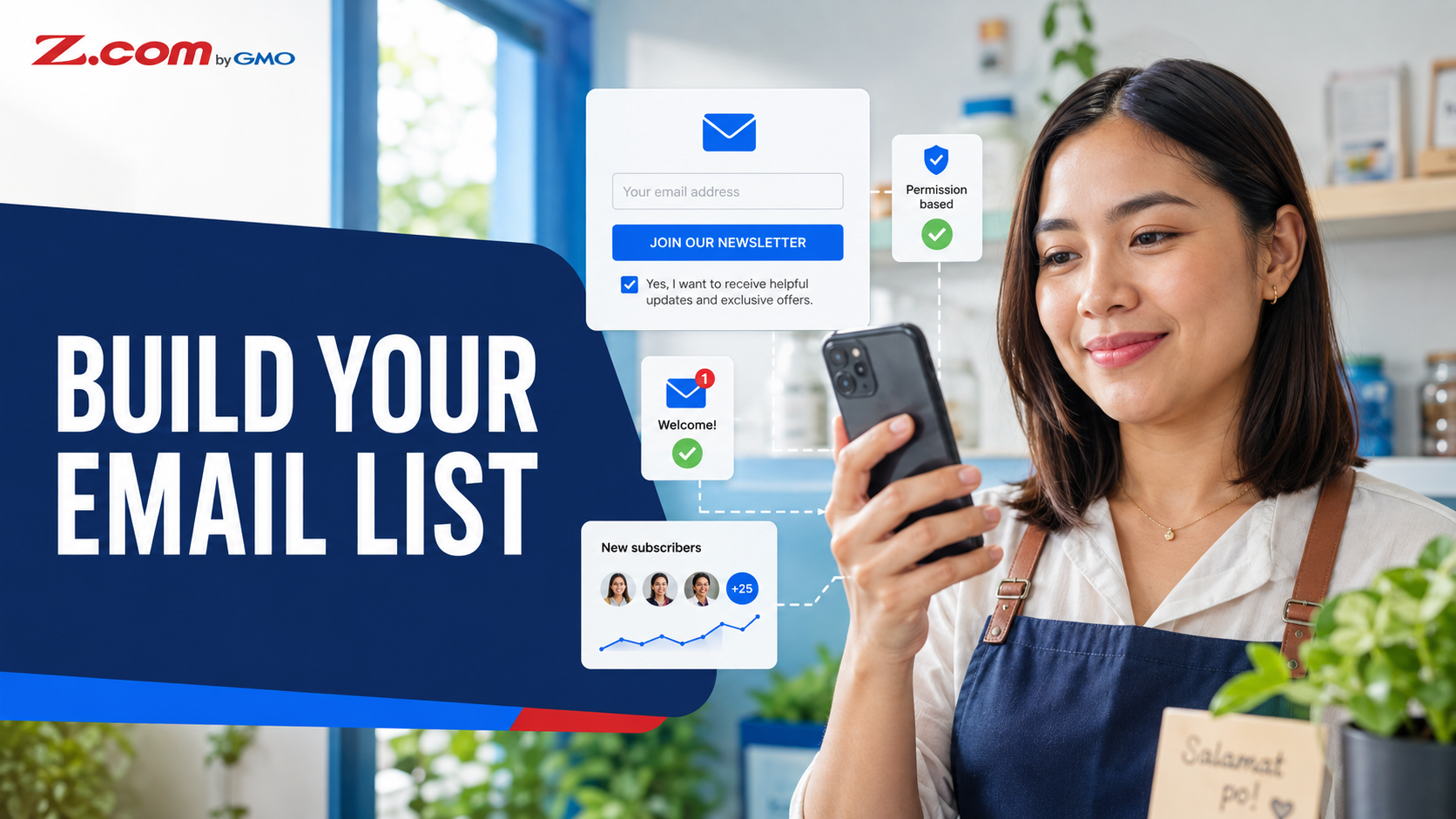
- Website contact or order form — add a separate, unchecked email opt-in box with a short note on why you're asking, so submitting the form itself doesn't count as signing up
- Checkout or booking confirmation — ask if the customer wants updates on restocks or promos, and only add them if they say yes
- Facebook or Messenger inquiries — after a sale, invite interested customers to opt in to a mailing list for future deals, rather than adding them automatically
- In-person or delivery receipts — a small printed note with a QR code to a signup form, not an automatic subscription
Each signup should briefly explain what the customer will receive and roughly how often, link to the business's privacy notice where one exists, and every message that follows should include a simple, free way to unsubscribe that the business honors right away. None of these require new tools right away. A basic signup form on a WordPress-hosted website is often enough to get started, since most website builders include a simple form option by default.
Giving Customers a Reason to Sign Up
Customers won't hand over their email address without a reason, and that reason doesn't need to be elaborate. A small discount on a first order, early access to a restock, or simply a promise of occasional deals is usually enough — as long as the value is clear at the moment they're asked.
What matters more than the offer itself is honesty about what happens next. Telling customers roughly how often they'll hear from a business, and sticking to that, builds the kind of trust that keeps a list healthy instead of one where people sign up once and never open another message.
Why a Business Email Address Matters Here
Once a business starts sending to a list, the sending address becomes part of the message. A personal Gmail or Yahoo address can look improvised next to a business's own branding, and customers may hesitate to recognize a message that doesn't match the business they know. Actual inbox placement depends on many factors — sender authentication, sending practices, reputation, and how recipients engage with past messages — not simply on which email provider is used.
A professional address on the business's own domain — the kind set up through Titan Email — signals that the message is coming from an established business rather than an individual, and keeps customer replies and inquiries in one place tied to the business itself rather than a personal inbox an owner might eventually stop checking. The mailbox itself is separate from the list, though: managing signups, consent, and unsubscribes for a growing list of subscribers is a job for an email marketing tool built for that purpose, not a standard inbox.
A custom domain is what makes any of this possible in the first place — the email address is only as credible as the domain behind it. Businesses without one yet can start with a domain registration that matches their business name before setting up email on top of it.
Using Your List Without the Overwhelm
Building a list doesn't obligate a business to email constantly. Many small businesses do well sending only when there's something worth saying — a restock, a seasonal promo, or a short update — rather than forcing a weekly schedule that's hard to keep up with alongside everything else running the business.
A simple rhythm works better than an ambitious one that gets abandoned after a month. Even a handful of well-timed emails a year, sent consistently and honestly, does more for customer relationships than a frequent schedule that quietly stops.
As a list grows, sending each email manually from a regular mailbox gets harder to manage, and a standard inbox isn't built for tracking unsubscribes at volume. Some Titan Email plans include an Email Campaigns feature for this; on the current Z.com PH lineup, it sits under Titan Ultra's Power Features rather than every plan, so it's worth checking what a specific plan includes before relying on it for larger sends.
Things to Watch Out For
Adding transactional contacts automatically. An address collected to complete an order, answer an inquiry, issue a receipt, or provide support shouldn't be moved onto a marketing list without the customer's separate, knowing consent — a principle rooted in the Philippine Data Privacy Act. Ask first, and only add people who say yes.
Buying an email list. Purchased lists are usually low-quality and can hurt sender reputation. Every address should come from someone who chose to sign up.
Asking without offering anything. A signup form with no clear reason to join tends to get ignored, even by interested customers.
Forgetting mobile readability. Most Filipino customers will open emails on a phone first. Short paragraphs and a clear call to action matter more than a heavily designed layout.
Key Takeaway
An email list isn't a replacement for Facebook — it's a second channel a business fully owns. Start small by asking permission before adding anyone, offer one clear reason to sign up, and send from a professional address so every message reflects the business, not a personal account.
Frequently Asked Questions
Do I need a website to start building an email list?
It helps, but it's not required to get started. A signup form embedded on a website makes collection easier and more consistent, though a business can begin just as well with a shared signup link or a QR code used at checkout and on receipts while a website is still being set up.
Is Titan Email different from just using Gmail for my business?
The main difference is the domain the address is built on. Gmail addresses end in @gmail.com, while Titan Email lets a business send from an address on its own domain, such as hello@yourbusiness.com. That distinction is what makes the email look like it's coming from the business rather than an individual.
How often should I email my customer list?
There's no fixed number that works for every business. What matters more is consistency — deciding on a rhythm, whether that's monthly or only around promotions and restocks, and sticking to it so customers know roughly what to expect instead of being surprised by sudden, frequent messages.
Will building an email list replace my Facebook page?
No, and it isn't meant to. Facebook and Messenger are still valuable for discovery and everyday customer conversations. An email list works best as an additional channel that keeps a business reachable even during periods when social reach or visibility isn't as strong.
Conclusion
Relying entirely on social media to reach customers leaves a business dependent on a reach it can't fully control. Building a customer email list gives that same business a channel it owns outright — one that doesn't disappear with an algorithm change. The process doesn't require new systems overnight: ask permission before adding anyone, give customers one clear reason to sign up, and send every message from a professional address that reflects the business behind it.
A professional email address makes every customer message look like it's coming from a real, established business.
Set up a business email on your own domain and start building a list customers trust.
Get Professional Email