
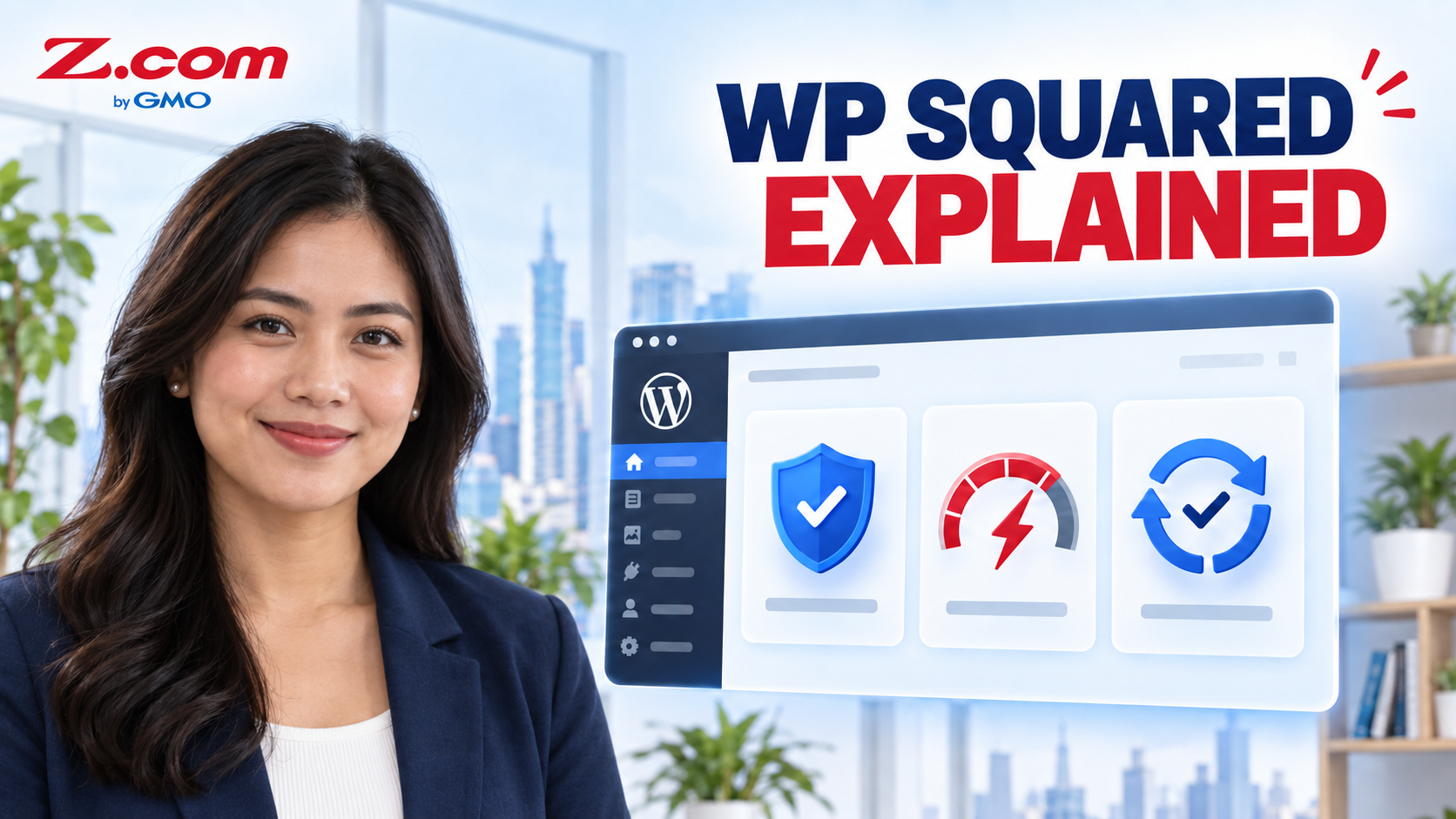
What Is WP Squared? Inside the Control Panel Powering Z.com WordPress Hosting
In This Article:
- ✓ WordPress hosting needs constant technical upkeep
- ✓ WP Squared brings security, speed, and update tools into one dashboard
- ✓ Most everyday tasks can be managed without coding or server administration
Quick answer: WP Squared is a WordPress-focused control panel and management platform built on WebPros' cPanel technology. Z.com includes it with every Managed WordPress Hosting plan as the dashboard for managing your site and reaching integrated security and performance tools. Some services — including backup processing and storage, and core hosting infrastructure — run on Z.com's servers rather than inside the visible dashboard itself.
Running a WordPress site well takes more than choosing a theme and publishing pages. Someone still has to install updates, watch for security threats, keep backups current, and make sure pages load quickly as traffic grows — work that most Filipino small business owners, freelancers, and agencies never planned to handle themselves.
Z.com's Managed WordPress Hosting is built to carry that workload. WP Squared, a WordPress-focused control panel built by WebPros — the company behind cPanel — is the dashboard through which much of that work becomes visible and manageable. This guide explains what WP Squared actually is, what it helps protect and speed up, and how it fits into the WordPress Hosting plans available on Z.com Philippines, so you know exactly what is managing your site day to day and why that matters as your business grows online.
Table of contents
Why Managed WordPress Hosting Matters
Many Philippine businesses use WordPress for online stores, portfolios, booking pages, and business websites — home-based sellers running a WooCommerce shop, freelance consultants with a portfolio site, and small clinics or service providers with a simple booking page among them. All of them share the same reality once the site is live: WordPress itself needs regular plugin and core updates, the server needs protection from bots and malware, and the site needs to stay fast even during a Facebook-driven traffic spike or a sale weekend.
Handling all of that manually usually means hiring a developer, learning server administration, or simply hoping nothing breaks. Managed WordPress Hosting exists to remove that trade-off, and WP Squared is the part of the system that makes the "managed" part visible and usable from your own hosting account. If your site is simpler and doesn't need WordPress-specific tooling, a general Web Hosting plan may still be enough — WP Squared is specifically for businesses running on WordPress.
What Is WP Squared
WP Squared is a simplified, visual control panel built specifically for WordPress site owners. Instead of navigating a general-purpose hosting panel built for many kinds of websites, WP Squared organizes everything around WordPress tasks: installing a site, managing plugins and themes, checking security status, and monitoring performance — all from one beginner-friendly dashboard built into your Z.com hosting account.
Built on WebPros' cPanel Technology
WP Squared is developed by WebPros, the company behind cPanel and WHM, and is offered to hosting providers like Z.com as a ready-made WordPress management layer. That matters for accuracy: WP Squared is not a Z.com-built tool, but a licensed technology that Z.com bundles into every WordPress Hosting plan so customers get a purpose-built WordPress experience rather than a generic hosting panel. WebPros' own WP Squared product page describes it as a WordPress management platform built on cPanel technology, which is the primary source for how the underlying platform is positioned.
| Layer or Component | Primary Role | What the Customer Uses or Sees |
|---|---|---|
| WP Squared | WordPress-focused control panel and management layer | Main dashboard for site tasks, security status, and performance tools |
| Extendify AI | Website-building assistant | Generates a first draft of site content and layout during setup |
| Security technologies (Patchstack, Imunify360, CloudLinux) | Vulnerability protection, firewall and malware scanning, account isolation | Security status shown inside the WP Squared dashboard |
| Performance and hosting services (AccelerateWP, Z.com infrastructure) | Caching, faster server response, CDN, and Google Cloud infrastructure | Faster page loads, largely automatic in the background |
| Backup interface and server-side processing | Backup scheduling and restore options are surfaced in the dashboard; actual processing and storage happen on Z.com's servers | Backup status and restore controls in WP Squared |
Security Built Into Your Dashboard
Security is where the technologies inside WP Squared do most of the quiet, ongoing work. Rather than depending on the site owner to remember every patch, WP Squared brings several specialized security tools together in one place.
Patchstack, Imunify360, and CloudLinux
Patchstack focuses on vulnerability protection for WordPress plugins and themes, helping guard against newly disclosed security issues as part of the security stack WP Squared brings together. Imunify360 works at the server level as a firewall and malware scanner, watching for suspicious activity before it reaches a website. CloudLinux contributes account isolation, which keeps one compromised or misbehaving account on a shared server from affecting others. Together, these are the kinds of protections Z.com's own WordPress Hosting page lists under Security and Backups: a web application firewall, AI-assisted bot protection, and daily automated backups on every plan.
A practical way to think about this: WP Squared does not replace good WordPress habits like using strong passwords or limiting who has admin access. It reduces how much technical security work falls on you personally, so those habits are easier to maintain.
Speed Tools That Work Behind the Scenes
Page speed affects both search visibility and how comfortable mobile shoppers feel completing a purchase — a real consideration for Philippine sellers, since many Philippine customers browse and shop on mobile devices.
AccelerateWP and Caching
WP Squared includes AccelerateWP, a performance layer that WebPros describes as capable of substantially faster server response times, along with content and browser caching. Z.com's WordPress Hosting plans pair this with Google Cloud infrastructure and a CDN, which is why the plan comparison table highlights HTTP/2 and HTTP/3 support, OP cache, and content and browser caching as standard features rather than paid add-ons.
Building and Managing Your Site
Beyond security and speed, WP Squared is also where day-to-day site management happens. A freelance web designer in Manila juggling several client sites, for example, can use the built-in staging feature to test a theme change safely, then use one-click Site Copy to duplicate a working site to a new domain instead of rebuilding it from scratch.
WP Squared also connects to Extendify AI, Z.com's website-building assistant. Extendify handles generating a first draft of a site's content and layout, while WP Squared is the dashboard used to manage that finished site afterward — surfacing security status, performance tools, and backup controls, even though the underlying processing for some of those services, such as backups, runs on Z.com's servers.
Everyday tools like one-click login, maintenance mode, and automatic WordPress core updates round out the panel, so many routine tasks can be completed directly from the dashboard. Z.com's WordPress Hosting plans also include a Titan Email account by default, so a matching professional inbox is ready alongside the site itself.
Key Takeaway: WP Squared is the WebPros-built control panel inside Z.com's Managed WordPress Hosting. It brings together security technologies like Patchstack, Imunify360, and CloudLinux, performance tools like AccelerateWP and caching, and everyday management features like staging, Site Copy, and one-click tools — all included in every plan, with no separate setup required.
Frequently Asked Questions
What is WP Squared, in simple terms?
WP Squared is a WordPress-specific control panel included with Z.com's Managed WordPress Hosting. It gives you one visual dashboard to manage your site, check its security status, and access performance tools, instead of relying on a generic hosting panel built for many different types of websites. It was developed by WebPros, the company behind cPanel, specifically for WordPress.
Do I need to install or activate WP Squared myself?
No. WP Squared is built into every Z.com WordPress Hosting plan and appears automatically in your hosting account once your plan is set up. There is no separate download, license key, or activation step for the site owner to complete. You can start using its dashboard, security status, and site tools as soon as your WordPress site is created.
Is WP Squared different from Extendify AI?
Yes. Extendify AI is the website-building assistant that helps generate your site's initial content, design, and layout when you are first setting up a WordPress site. WP Squared is the control panel used to manage the finished site afterward — giving you access to update, security, staging, and everyday maintenance tools, plus backup status, for as long as the site is live.
Does WP Squared cost extra on Z.com plans?
No. WP Squared, along with the Patchstack, Imunify360, and AccelerateWP technologies it includes, comes bundled into every Z.com WordPress Hosting plan, from the entry-level Starter tier up through Pro. There is no separate license fee, add-on charge, or upgrade required for the site owner to access these included security and performance tools.
Most Philippine business owners choosing WordPress hosting are not trying to become server administrators — they want a site that stays online, stays secure, and keeps loading quickly while they focus on customers. WP Squared is the part of Z.com's Managed WordPress Hosting that brings that responsibility together in one dashboard: layered security through Patchstack, Imunify360, and CloudLinux, performance tools like AccelerateWP and caching, and everyday conveniences like staging and one-click Site Copy.
Understanding what WP Squared actually does makes it easier to use the tools already included in your plan, and easier to explain to a client, co-founder, or business partner exactly what is protecting the site they depend on.
Get the security, speed, and management tools built for WordPress — without hiring a developer or managing a server yourself.
See which Z.com WordPress Hosting plan fits your site today.
View WordPress Hosting Plans