
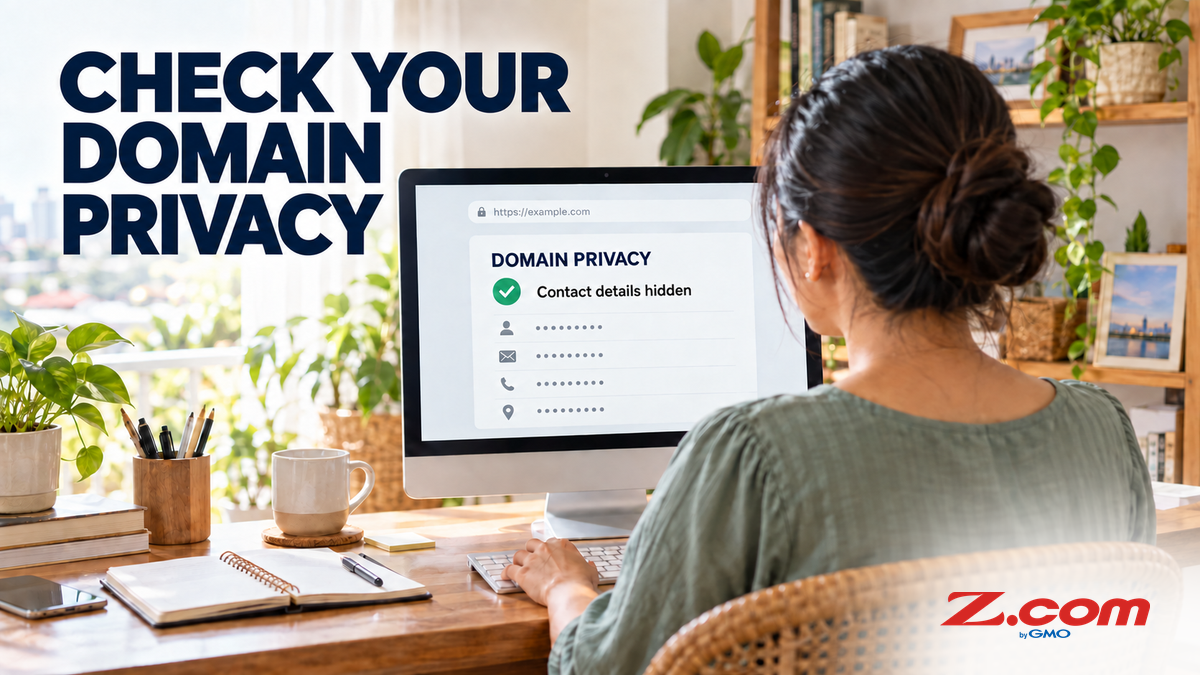
Domain Privacy Protection: Should You Enable WHOIS Privacy for Your Philippine Business?
When you register a domain name, your registrar collects contact details — typically your name, email address, phone number, and mailing address. Collecting those details is not the same as publishing them. What the public can actually see depends on the domain extension, the provider, applicable policy, redaction rules, and whether a privacy service is active. For some owners, personal details are still visible, which can carry real risks for Philippine SMBs and solo entrepreneurs. Here's how to check your own record — and what to do about it.
Check your actual domain record first. If it shows personal contact details, enable privacy protection where your extension and provider support it. Privacy protection publishes the provider's details instead of yours, which reduces exposure — it does not guarantee you will never face spam, phishing, or takeover attempts. At Z.com, ID Protection is included at no extra cost for eligible domains, but not every extension qualifies.
Executive Summary: Registrars collect your contact data, but what is publicly displayed varies by extension, provider, policy, redaction, and privacy status. For generic domains such as .com, RDAP is now the definitive lookup source, while "WHOIS privacy" remains the familiar name for the masking service. Domain privacy protection (also called WHOIS privacy) replaces published personal details with the provider's own, reducing exposure. Z.com activates ID Protection by default for eligible domains at PHP0, so check your Client Area to confirm. Eligibility for .ph and .com.ph must be confirmed separately, as explained below.
Table of contents
- What Is WHOIS and What Does It Show?
- Why a Public WHOIS Record Can Be a Problem
- What Domain Privacy Protection Actually Does
- Who Should Enable WHOIS Privacy?
- Who Might Not Need It — or Should Think Twice
- What About .ph and .com.ph Domains?
- How to Check and Enable ID Protection on Your Z.com Domain
- Key Takeaways
- Frequently Asked Questions
- Register an Eligible Domain with Free WHOIS Privacy
What Is WHOIS and What Does It Show?
WHOIS is the long-standing public directory of domain registration data. ICANN, the body that coordinates global domain names, announced that since 28 January 2025 RDAP (Registration Data Access Protocol) is the definitive source for gTLD registration information, replacing WHOIS service for those domains. "WHOIS privacy" nevertheless remains the familiar service term, so this article uses it. ICANN's Registration Data Policy FAQs separate what registrars must collect from what is published, and redaction is mandatory only where applicable law requires it. Country-code extensions such as .ph follow their own registry policies.
Depending on the extension, provider, and privacy status, a lookup may show some of the following:
- Registrant name or organization
- Email address, or a provider relay or contact form
- Mailing address (sometimes partial or redacted)
- Phone number
- Domain registration and expiration dates
- Name servers and registrar name
Look up your own domain with a registration data lookup tool and see what is actually displayed. Some records show redacted or provider-supplied details, while others may still show personal ones. Do not assume either way.
Why a Public WHOIS Record Can Be a Problem
Many domain owners only notice WHOIS after unsolicited calls or emails arrive. Not every record exposes personal data, but when one does, these are the risks:
- Spam and marketing calls. Automated scrapers can collect published contact details and resell them as contact lists, which can increase unsolicited messages.
- Phishing and social engineering. Published details make convincing messages easier to craft — "your domain is about to expire" scams, fake invoice emails, and impersonation.
- Takeover attempts. Knowing who owns a domain, when it expires, and how to contact the owner can help opportunistic actors target you or your account. Privacy reduces this exposure but does not replace account security or a transfer lock.
- Physical address exposure. If a home address is published, your residence may be publicly searchable.
- Data harvesting for third-party profiling. A published email and phone number can be copied into data broker databases, creating longer-term exposure.

What Domain Privacy Protection Actually Does
Domain privacy protection (also called WHOIS privacy or ID protection) works by publishing a privacy service provider's contact information instead of your personal registrant details. Someone who looks up your domain may see the provider's details or a relay in place of yours; exactly what appears depends on the service terms and the extension. ICANN's privacy and proxy service guidance requires accredited registrars' providers to publish their terms, including conditions for publishing data.
Your domain still belongs to you. You still control, renew, and transfer it, and legitimate renewal notices still reach you through your registrar account. Contact relay and disclosure behavior — for example, how messages are forwarded, or when details may be revealed after a valid legal request or abuse report — is set by the provider's service terms, so read them. Privacy protection reduces exposure; it does not guarantee that spam, phishing, or takeover attempts will not happen.
At Z.com Philippines, ID Protection is included at no extra cost for eligible domains and is activated by default for them. Z.com notes it does not apply to selected extensions because of regulatory restrictions, so confirm the status of your own domain.
Who Should Enable WHOIS Privacy?
The short answer: if your record shows personal details, enable privacy where it is available. These situations make it especially important:
- You registered your domain using a personal mobile number or home address
- You are a freelancer, solo entrepreneur, or home-based business owner
- You operate a new brand or startup without a dedicated business address or corporate email
- You want to reduce inbound spam and unsolicited sales calls after registering a new domain
- You are concerned about personal data exposure in the context of Philippine data privacy requirements
- You manage multiple domains and want consistent privacy across your portfolio
Who Might Not Need It — or Should Think Twice
Privacy protection suits many domain owners, but there are situations where you might choose to leave your details public:
- Large established companies that use a publicly listed business address, a general inquiry phone number, and a corporate contact email — where none of the registered data is personally sensitive — often have less to gain from masking.
- Organizations required by law or policy to maintain publicly verifiable domain ownership records (certain government entities or regulated industries) may need to confirm compliance requirements with their legal team before enabling privacy.
For the typical Philippine SMB, freelancer, or startup, neither exception applies. Enabling privacy, where available, is a sensible best practice.
What About .ph and .com.ph Domains?
Philippine extensions need a separate check. Z.com states that ID Protection does not apply to selected extensions because of regulatory restrictions, so do not assume it covers your .ph or .com.ph domain. This is not a universal registry prohibition: dotPH offers its own Private Registration, which hides contact details in public WHOIS queries (fees and conditions apply). IANA lists the .ph registry's sponsoring organization as the PH Domain Foundation, with DotPH as administrative and technical contact.
Whether privacy can be applied to a .ph domain registered through Z.com, and at what price, should be confirmed in your domain's Addons section or with Z.com support. For .com.ph, eligibility could not be verified from the sources checked, so confirm it with Z.com before relying on it. If your existing record shows personal details, you can also update the registrant contacts to a dedicated business address, phone number, and role-based email.
How to Check and Enable ID Protection on Your Z.com Domain
For eligible domains, Z.com activates ID Protection by default at PHP0, so first check whether it is already active:
- Log in to the Z.com Client Area.
- Go to Domains and open the settings for your domain.
- Open the Addons section and check the ID Protection status.
- If it is disabled, activate it (PHP0) and complete the order flow to confirm.
- After activation, look up your domain again to confirm the public record has updated. Changes may take a short time to appear.
If ID Protection is not offered for your domain, the extension may not qualify; contact Z.com support to confirm. See the official Z.com guide to enabling or disabling ID Protection for details.
Key Takeaways
- Registrars collect your contact details, but what is public depends on extension, provider, policy, redaction, and privacy status. Check your actual record.
- For gTLDs, RDAP is the definitive lookup source; "WHOIS privacy" remains the familiar service name.
- Privacy protection replaces published personal details with the provider's, reducing exposure — it does not guarantee against spam, phishing, or takeover.
- Z.com activates ID Protection by default for eligible domains at PHP0. Check Client Area → Domains → Addons to confirm.
- Do not assume .ph or .com.ph coverage: confirm eligibility for your domain with Z.com.
- Privacy and transfer lock protect against different risks, so enable both where available.
Frequently Asked Questions
Does enabling WHOIS privacy affect how my website or email works?
No. WHOIS privacy only affects what the public directory shows. Your website continues to operate normally, your email continues to receive messages through your hosting or email provider, and your domain continues to resolve as expected. It has no impact on DNS records, email delivery, or hosting configuration.
Can someone still contact me if they need to reach the domain owner?
Possibly. Many privacy services offer a contact relay or form that can forward genuine inquiries to you, but relay and disclosure behavior depends on the provider's service terms. Legal notices and abuse reports may be handled under those terms, so review them.
Is WHOIS privacy the same as domain security or domain locking?
No, these are different protections. WHOIS privacy reduces how much personal contact information the public directory shows. Domain locking (also called transfer lock or registrar lock) helps prevent unauthorized transfers by requiring an unlock step before your domain can be moved to another registrar. Both are worth enabling — they protect against different types of risk. Z.com provides domain management tools for both.
Does WHOIS privacy expire or need to be renewed?
At Z.com, ID Protection is included at no extra cost for eligible domains and stays in effect while the domain is registered and active with Z.com. Confirm it is still active after renewal, and check again if you switch registrars or domain plans in the future.
Register an Eligible Domain with Free WHOIS Privacy
Search for your domain at Z.com Philippines and check ID Protection eligibility for your extension. Where it is included at no extra cost, you can reduce the public exposure of your personal information from day one.
Search Available Domains