
Example :
How to set up an email or change my account settings.
- Help Center
- Cloud VPS
- Getting Started
- How to Find and Manage Your Cloud VPS Firewall (Security Groups) Settings
How to Find and Manage Your Cloud VPS Firewall (Security Groups) Settings
Firewall rules control which network traffic is allowed to reach your Cloud VPS and which traffic your VPS can send out.
Note:
• Firewall (Security Groups) rules are configured and managed from the customer’s end, apply changes carefully.
To access and manage your Firewall (Security Groups) settings, follow the following steps:
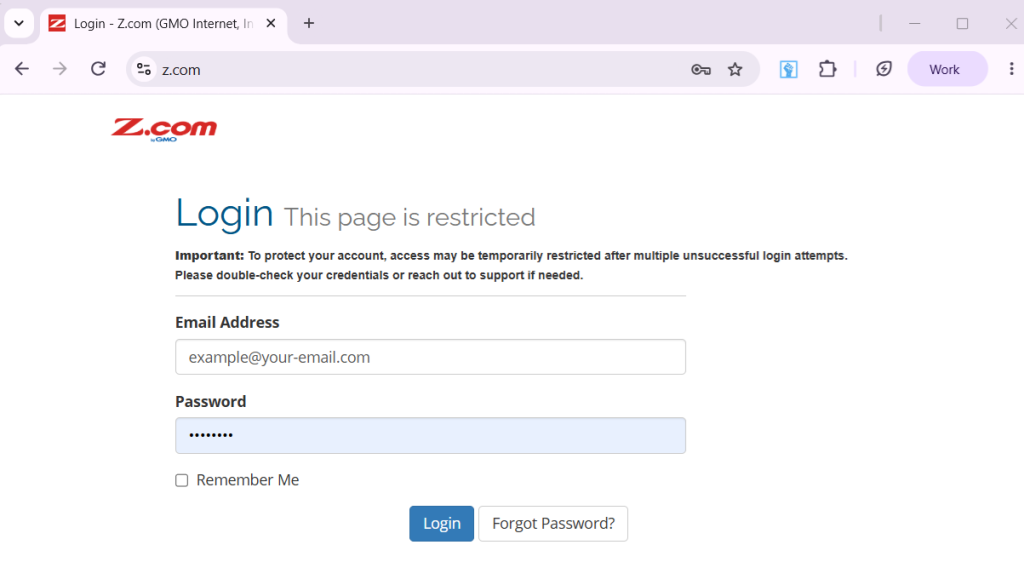
1. Access your account through our Sign-in page, then enter your Email Address and Password to log in.
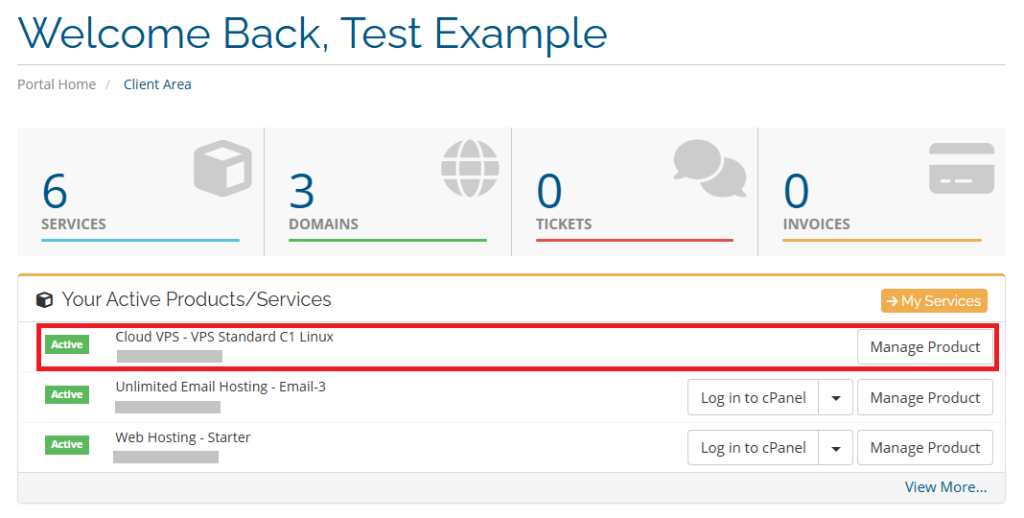
2. In the client area, go to Your Active Products and Services, then click Manage Product beside your Cloud VPS to open it.
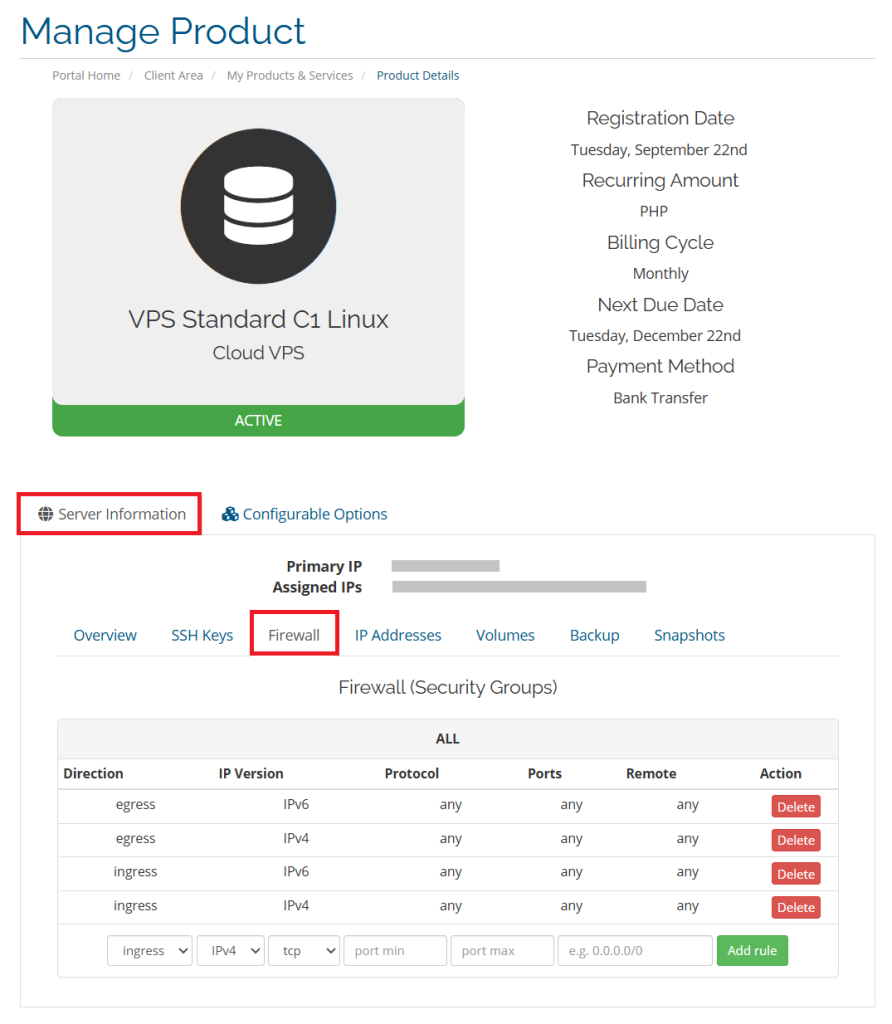
3. On the Manage Product page, click Server Information, then Firewall tab to open the Firewall (Security Groups) settings.
Under the Firewall tab you can view and manage your firewall (Security Groups) existing rules. Further, you can also Add or Delete an existing rule.
Note: Firewall (Security Groups) rules are configured and managed from the customer’s end, and we are unable to restore access if a rule blocks your connection. Please keep SSH allowed from your current IP, apply changes carefully, and test from outside the server afterward.