Example :
How to set up an email or change my account settings.
- Help Center
- WordPress Hosting
- Getting Started
- How to delete an added domain in the WP Squared dashboard
How to delete an added domain in the WP Squared dashboard
Deleting an added domain allows you to remove an extra domain that was previously linked to your WordPress website, without affecting your main (primary) domain.
This guide explains how to delete a domain you added in the WP Squared dashboard and what happens to the related files after the domain is removed.
Note:
• Only added domains can be deleted. The primary domain of your WordPress website cannot be removed. However, you can change the primary domain of your WordPress website.
• When an added domain is deleted, the files related to that domain will also be deleted.
• The domain’s folder may remain in the file manager, but it will no longer be connected to your WordPress website.
• Deleting an added domain does not affect your main WordPress website or its primary domain.
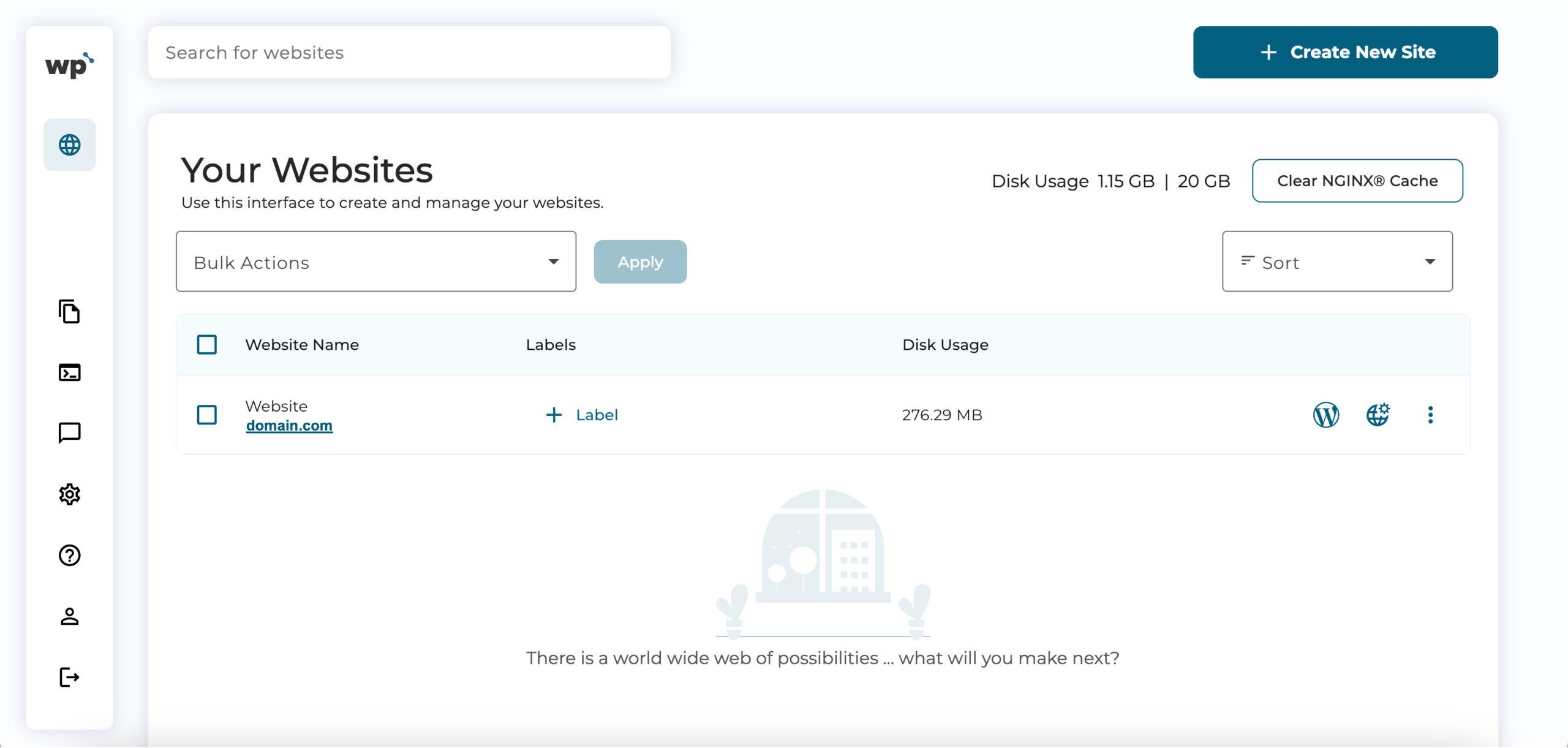
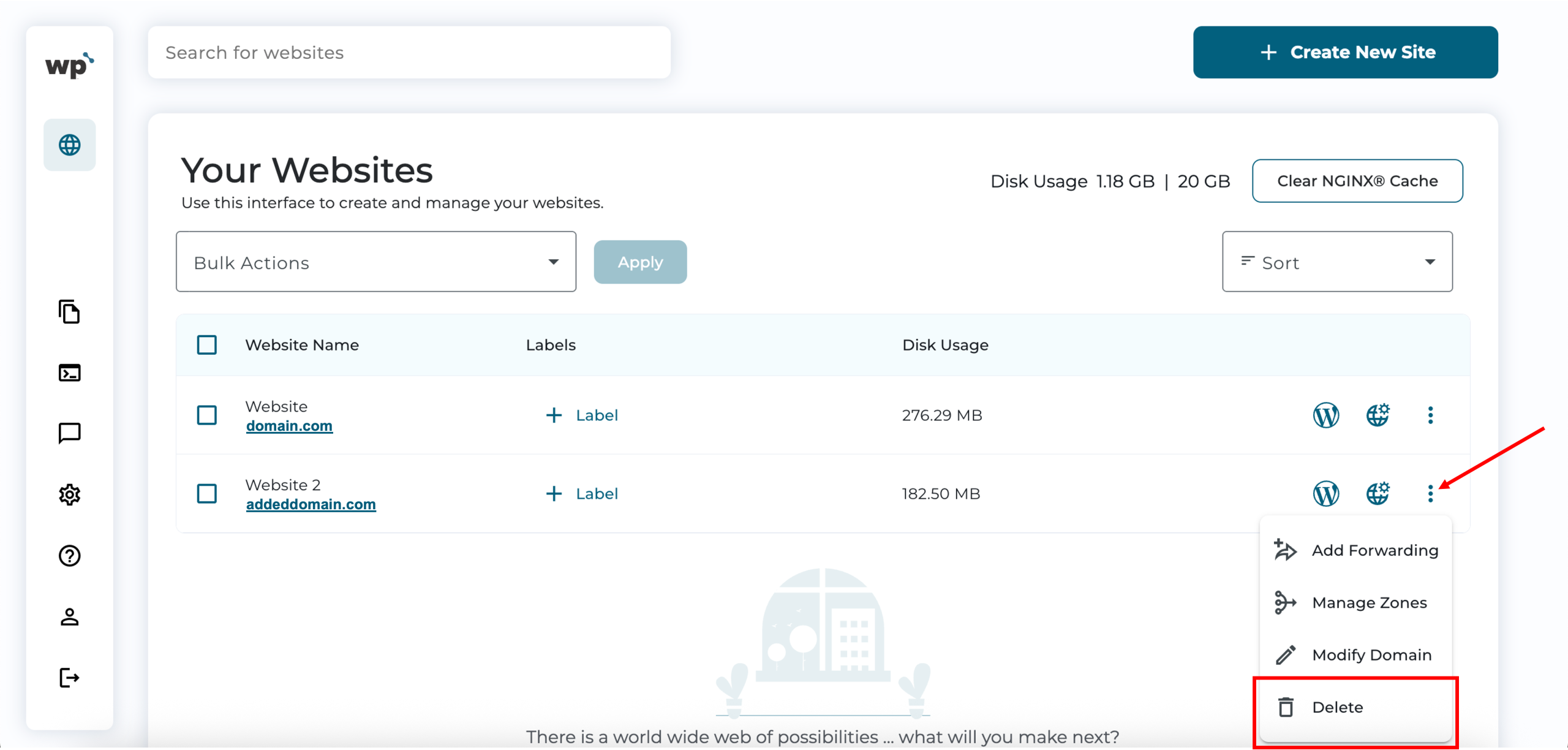
1. Upon reaching your WP Squared dashboard, select the vertical ellipsis (⋮) option next to the added domain you wish to delete, then click Delete.
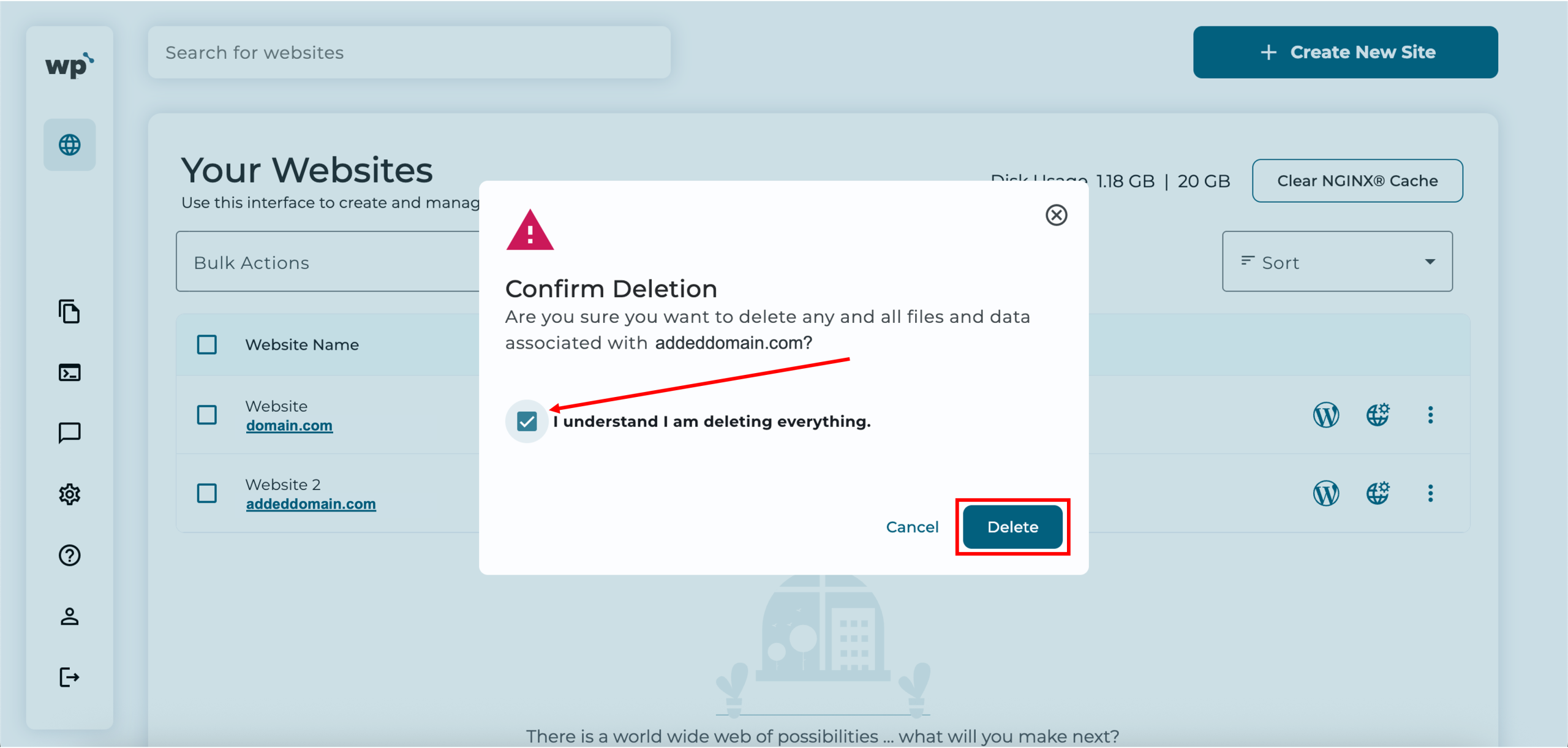
2. Confirm deletion by checking the box, then click Delete.
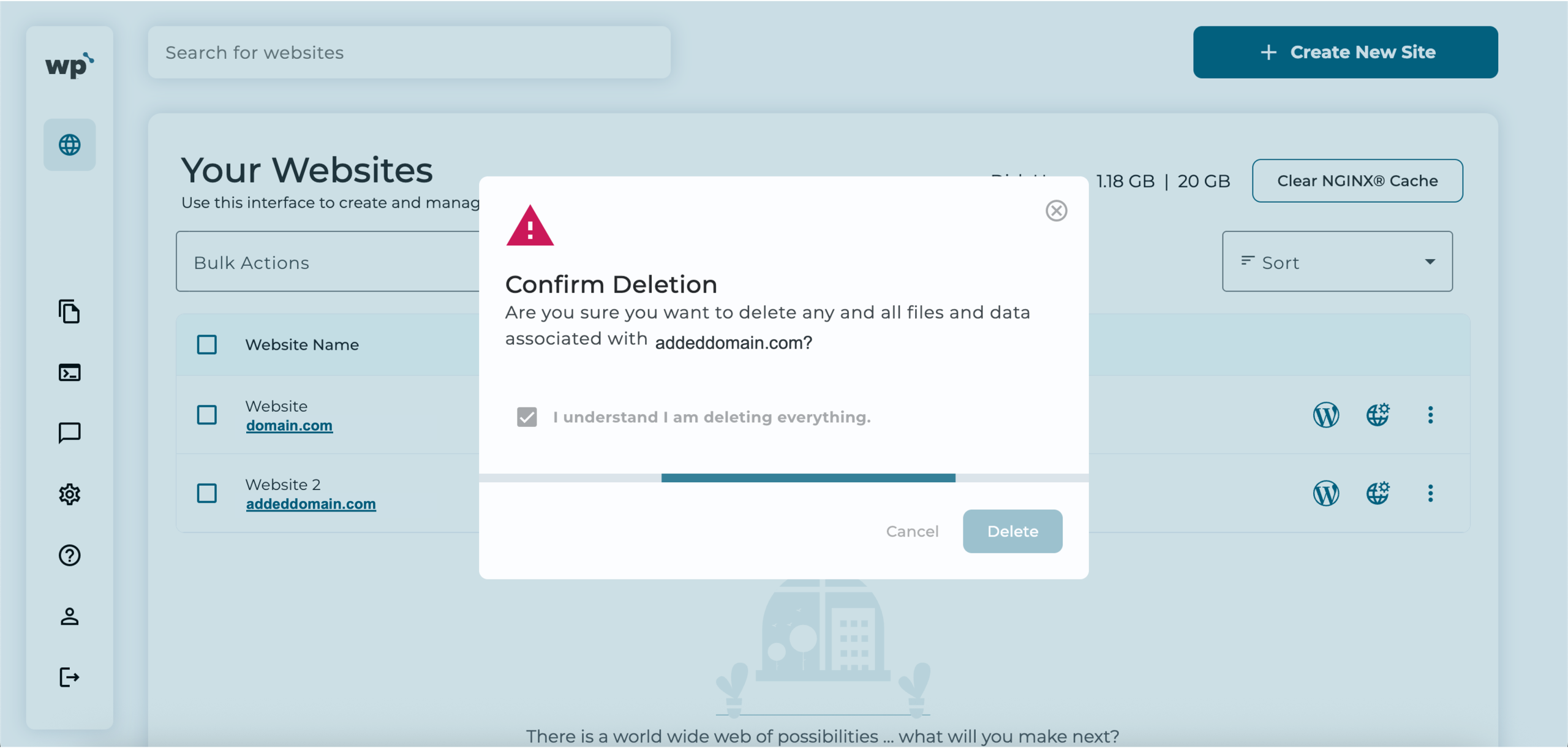
3. Done! Successfully deleting the added domain will look like the following, with the domain and WordPress website removed from your list of websites.